Now on App Store & Google Play

Make beats
anywhere.

A 16-step drum sequencer for Apple Watch and Galaxy Watch. Nine voices. Ratchet rolls. Probability gates. Build on your wrist — sync to your phone and export to your DAW.

Apple Watch Series 4+ Galaxy Watch 4+ No ads  ·  No subscription
BeatSeq app icon

Nine voices. Plus yours.

Kick

Kick

Tom

Tom

Snare

Snare

Hat

Hat

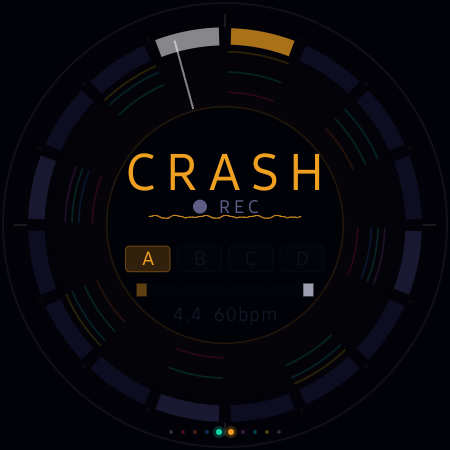
Crash

Crash

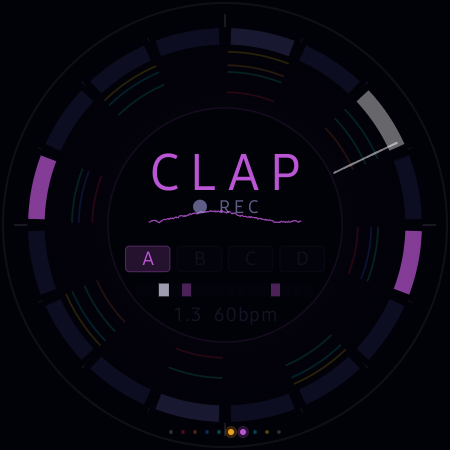
Clap

Clap

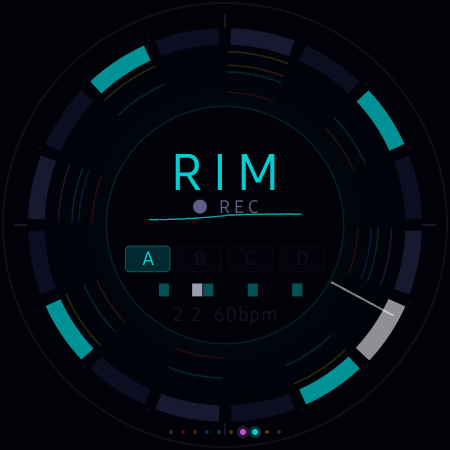
Rim

Rim

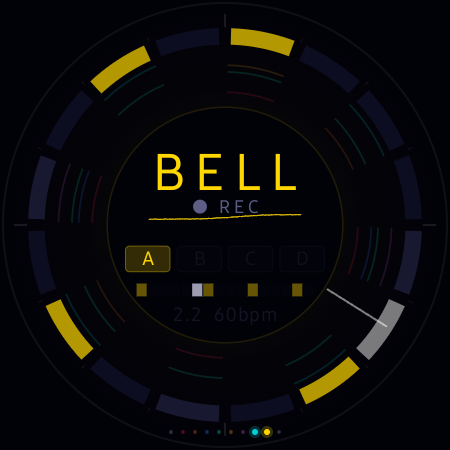
Bell

Bell

Settings

Settings

SMPL
Record any sound.
Sequence it.

Sampler

Everything a drum machine needs.
On a watch.

Radial Sequencer

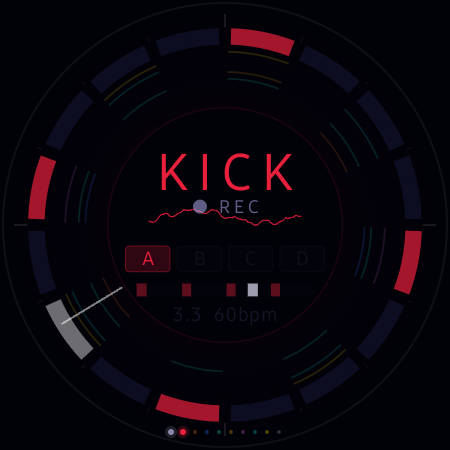
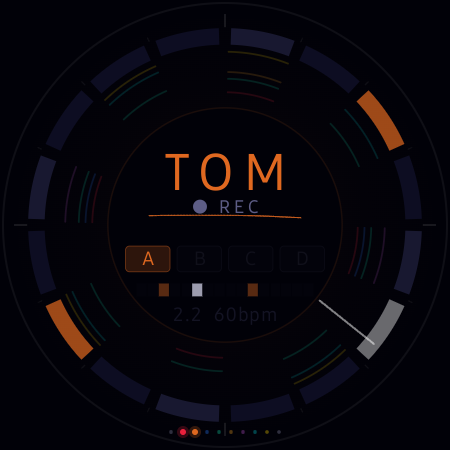
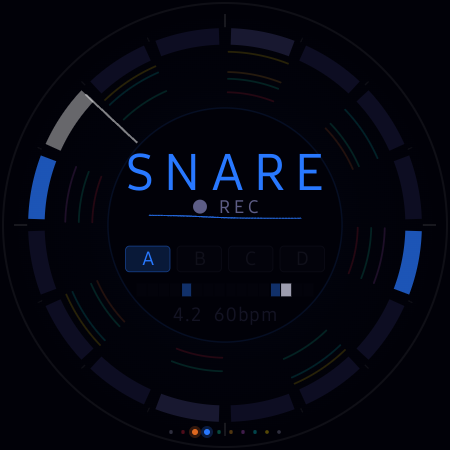
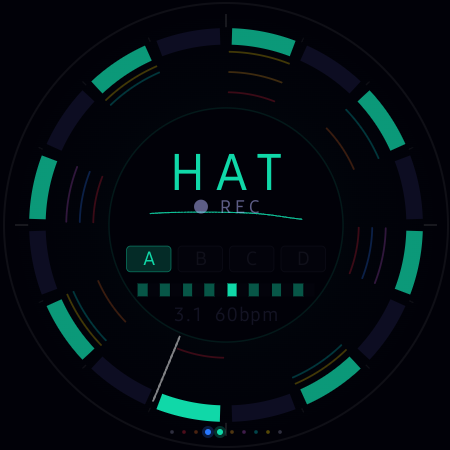
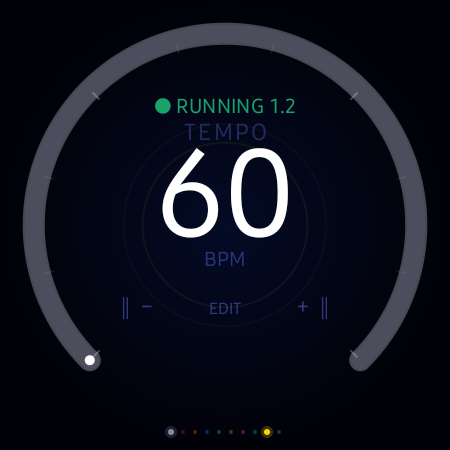
16 steps arranged around the watch face. Tap any step to fire it. The playhead sweeps the ring. Turn the crown to nudge BPM. Everything a grid sequencer does — from your wrist.

9 Drum Voices

Kick, tom, snare, hi-hat, crash, clap, rim, bell — all synthesised on-device — plus a mic sampler as the 9th track. No downloads. No samples to manage.

Ratchet v1.6

Hold any step and set a ratchet count — ×2, ×3, or ×4. The step subdivides into rapid sub-hits packed into its slot. Instant trap rolls, drum-and-bass fills, stuttering snares.

Probability Gate v1.6

Set any step to fire at 100%, 75%, 50%, or 25% chance. Steps roll the dice every loop — ghost notes, humanised hats, fills that never repeat quite the same way twice.

Four Banks + Song Mode

Each drum has four independent pattern banks — A, B, C, D — each with its own pattern and length. Song Mode chains them in any order, up to 8 steps. A full arrangement, on your wrist.

Per-Bank Beat Limiter v1.6

Each bank owns its own step count per drum. Set the kick to 16, the hat to 12, and they drift against each other in a continuously shifting polyrhythm. Locks to the song chain too.

7 Groove Packs

4/4, Boom Bap, Trap, House, Jungle, Amen Break, and more. One tap fills all four banks with a full kit — a fast starting point, not a preset you're stuck with.

9-Voice Mixer

Dial in volume per drum, per bank — from 0 to 150%. Open the mixer on the iPhone or straight from the watch. A full mix without leaving the sequencer.

Euclidean Generator

Pick a hit count, tap Apply. Björklund's algorithm distributes hits as evenly as possible across 16 steps. A mathematically musical starting point for any drum.

Sample Editing

Record any sound from the watch mic. Non-destructive trim (start + end handles) and reverse — right on the watch. Your sample becomes the 9th voice and sequences around the ring.

Swing & Tap Tempo

Dial swing from straight to fully shuffled. Tap the centre disc to lock BPM by feel. Nudge tempo with the crown in 1 BPM steps. From a subtle pocket to a deep bounce.

Export Anywhere

Export as a stereo WAV, individual stems per drum, or MIDI — from the watch or the phone. Files land in your Music folder, ready to drop into any DAW.

Your beats,
on the big screen.

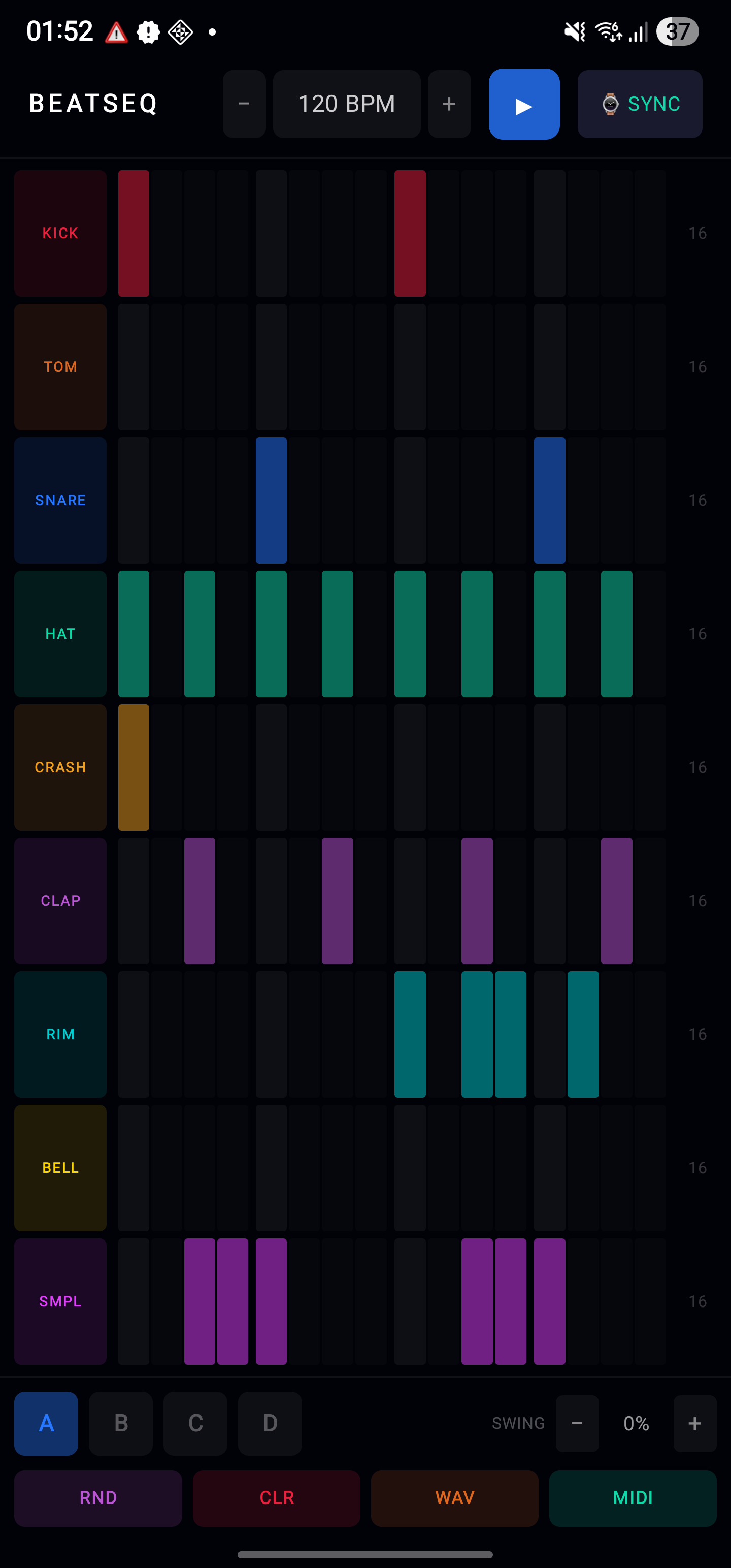
BeatSeq for iPhone and Android puts the full sequencer grid on your phone — all nine drums at once, four banks, BPM, swing, song mode, and per-drum volume in one screen. The view you want for editing. The watch is for building.

Tap SYNC and your pattern moves between watch and phone in under a second — in both directions. Export from either device.

iPhone Android Bidirectional sync WAV export Stem export MIDI export Free companion
BeatSeq companion app on iPhone and Android

See how it works.

On the watch, 16 steps wrap around the face in a ring. Tap any step to toggle it on or off. The playhead sweeps clockwise — steps fire as it passes them. Swipe between drum channels to build up your kit layer by layer. On the phone, the full grid shows all nine drums at once — tap any cell to toggle it.

Hold any active step to open the step menu. Set a ratchet count (×2, ×3, ×4) and the step fires that many rapid sub-hits in its slot — instant rolls. Set a probability (100%, 75%, 50%, 25%) and the step rolls the dice every loop, so it fires on some passes and skips others. Mix both on the same step for rolls that sometimes don't land.

Go to the settings screen and tap TEMPO mode. The crown (Apple Watch) or bezel (Galaxy Watch) adjusts BPM in 1-step increments. Tap the centre disc repeatedly to lock BPM by feel — it averages your last few taps. On the phone, tap the BPM display to open the panel and nudge from there.

On the settings screen, switch to SWING mode. The crown or bezel adjusts swing percentage. Swing holds back every off-beat 16th while keeping tempo rock-steady — from a subtle nudge to a deep, bouncing shuffle. The phone has an inline SWG panel for the same control.

Every drum has four independent pattern banks — A, B, C, D — each with its own steps and beat length. Build a sparse kick in A, a syncopated version in B. Switch banks live while the sequencer runs. Each bank's length setting is independent too, so you can set up shifting polyrhythms between banks.

Build a different pattern in each bank. Open the Quick Menu and tap SONG MODE, then tap the banks in the order you want — A, B, A, C — up to 8 steps. Enable it and the chain plays through bar by bar and loops. A full arrangement, built from your banks. The chain builder is on both watch and phone.

Open the Quick Menu → GENERATE → GROOVE PACKS. Pick a style and it fills all four banks with a full kit. 4/4, Boom Bap, Trap, House, Jungle, and Amen Break. A fast way to get a groove going — or a starting point you tear apart and rebuild.

Quick Menu → GENERATE → EUCLIDEAN. Select a drum, set the hit count with + and −, then tap APPLY. Björklund's algorithm distributes the hits as evenly as possible across 16 steps — mathematically musical, and a great starting point for any drum part.

Open the Quick Menu and tap EXPORT (watch) or go to FILES on the phone. Choose WAV for a stereo mix, STEMS for one file per drum, or MIDI. Files land in your Music folder automatically and are ready to drop into any DAW. Ratchets, probability, accent, and swing are all honoured in the render.

Video coming soon

Open the Quick Menu on the watch and tap SYNC to push your pattern to the phone. On the phone, tap SYNC to push back to the watch. The full pattern — steps, banks, song chain, samples, volumes — transfers in under a second. Build on the wrist, edit on the phone, send it back.

The SMPL channel records straight from the watch mic. Open the Quick Menu, hit RECORD, capture a sound, then trim (start/end handles) or reverse it non-destructively. Your sample becomes the 9th voice — sequence it around the ring exactly like any other drum. Samples save with your pattern.

Video coming soon

Yes. BeatSeq for iPhone and BeatSeq for Android are free companion apps. The watch app is a one-time purchase with no subscription, no ads, and no in-app purchases required to use the core features. Get it once, use it forever.